 01
01Invention & imagination
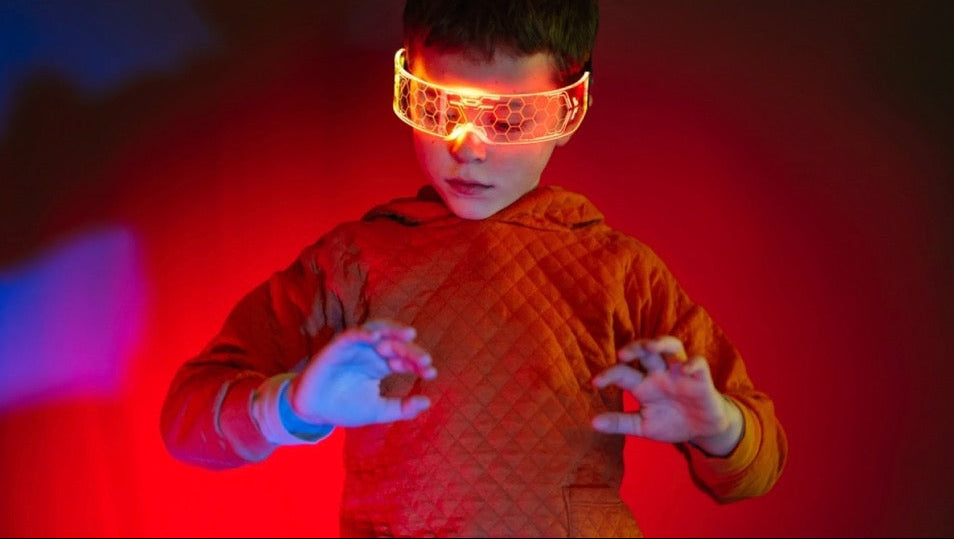
Designing unusual tools, habitats and systems that stretch both creativity and logic.
Eight weekly live classes where kids aged 8 to 12 learn to think like designers: inventing, designing for real people, telling the story behind an idea and shaping it into an app concept, with AI as a tool they question rather than a shortcut.
No experience needed. No card. Taught by product designer Nur Gökdoğan, for KraftStories, the studio behind Local NYC Events.

Who’s teaching
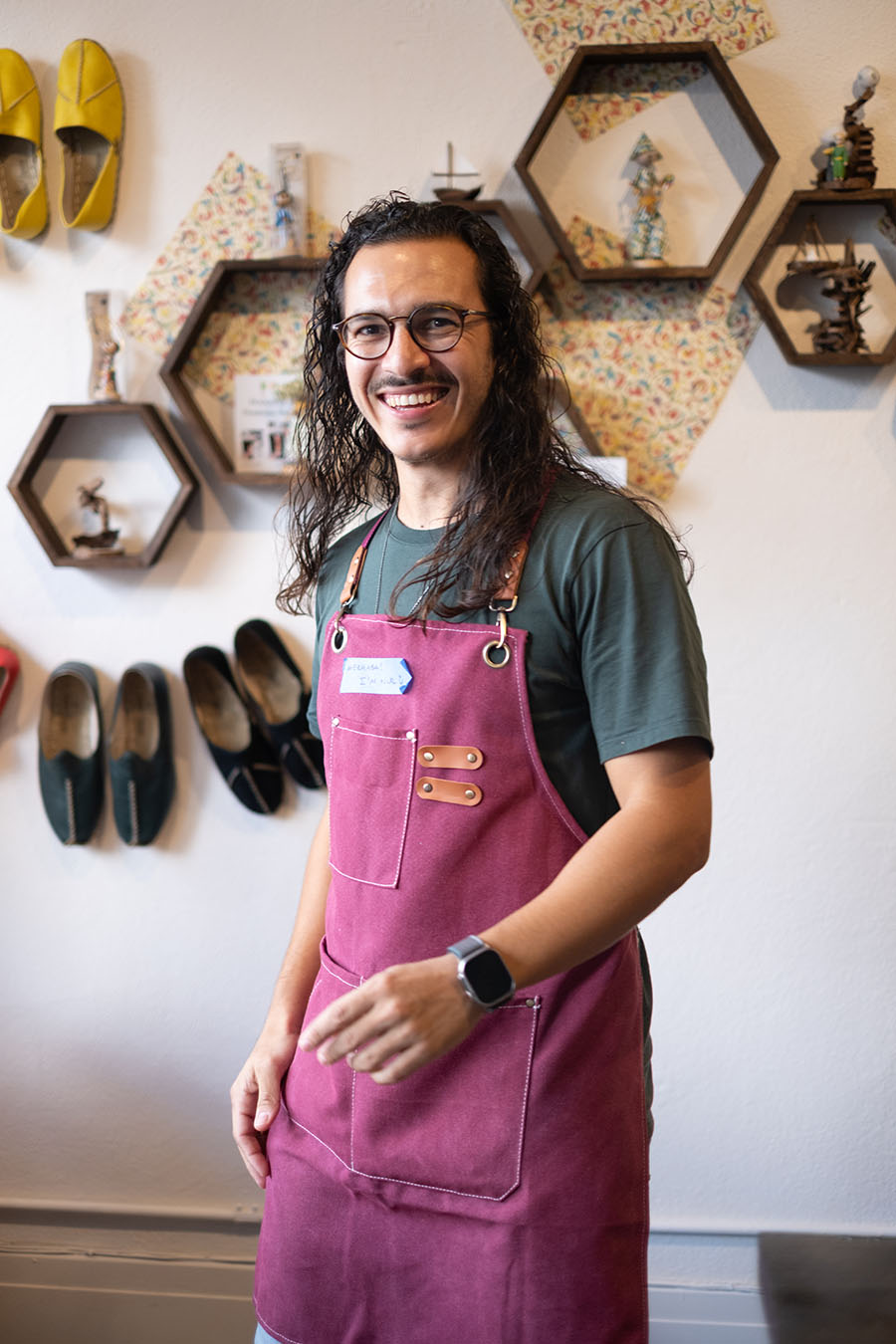
Nur has spent his career designing apps people use every day, most recently as a senior product designer at GoDaddy and FieldLevel, and before that at the San Francisco app studio PlusMinusOne, where the apps he designed passed 8 million downloads.
He came to design through applied mathematics and fine art, and studied type design at TypeWest. In Palo Alto he founded Design Confusion, a small school that taught UX and UI design to students of all ages through storytelling and improv. That is the approach he brings to every class here.
He teaches every session himself, and keeps groups to 12 so each child gets real feedback on their work.
Eight weeks
It might look like sketching inventions and designing simple apps. Underneath, every project is practice in thinking clearly and designing for someone else.
01Designing unusual tools, habitats and systems that stretch both creativity and logic.
 02
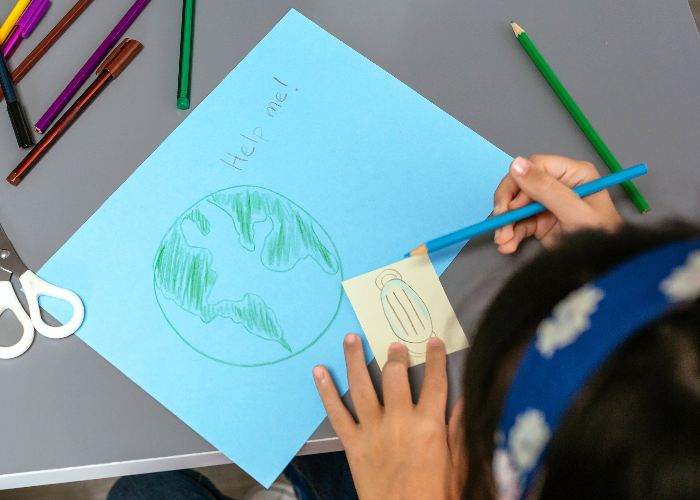
02Learning that good design starts with understanding what someone else needs.
 03
03Finding a voice through visual storytelling, symbols and short presentations.
 04
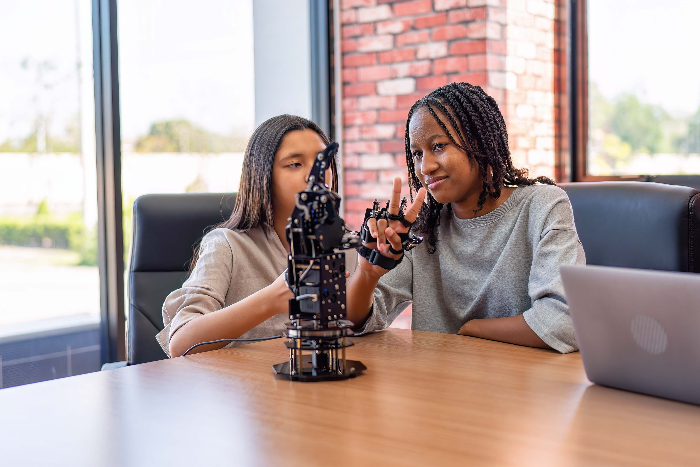
04Seeing how thoughtful design makes life easier, safer and more inclusive.
 05
05How digital products are planned, structured and used, screen by screen.
 06
06Using AI to brainstorm and iterate, while learning that human judgment comes first.
What it builds
More than finished projects: the confidence to share an idea, better problem-solving habits, empathy, early experience with design and digital thinking, and a healthier relationship with technology and AI.
Break big ideas into smaller parts, ask practical questions and make thoughtful decisions.
Creativity as a way to solve problems and help others, not only to make things look good.
Present ideas, take feedback and explain their thinking with more clarity and courage.
Build empathy by designing for others, from older people to people with disabilities.
Treat AI as a tool to guide and question, never a shortcut that does the thinking.
Classes are live and online, so kids join from home, from any borough.
Waitlist open
Two minutes. We only ask what we need to place kids in the right group and email you the dates.
Questions
Yes. Families who join through this site pay nothing: no card, no deposit, no trial that turns into a charge.
The next cohort’s dates aren’t set yet, so for now it’s a waitlist. We’ll email everyone on the list as soon as dates are confirmed, with how to secure a place. Groups are capped at 12 kids.
No. It’s built for beginners. The first weeks start with imagination and invention, and every tool is introduced step by step.
There’s no coding. Kids learn design thinking, empathy, storytelling and problem-solving, then use those skills to shape an app idea.
Live and interactive, more like a small studio than a lecture. Kids share their work, discuss ideas as a group, get feedback and work on hands-on challenges.
We send a short summary and catch-up guidance so they can rejoin the next week.
AI is introduced as a creative thinking tool: how to write clearer prompts, compare strong and weak answers, and why their own judgment matters most. It’s guided and age-appropriate.
Nur Gökdoğan, a product designer who has worked at GoDaddy, FieldLevel and PlusMinusOne, and who founded Design Confusion, a design school for students of all ages. He teaches every session himself.
KraftStories, the craft studio behind this site. That’s a conflict of interest, so we say so here. The bootcamp is ours; it isn’t a listing we checked at another venue.